Book freight in one click and get the bill of lading automatically
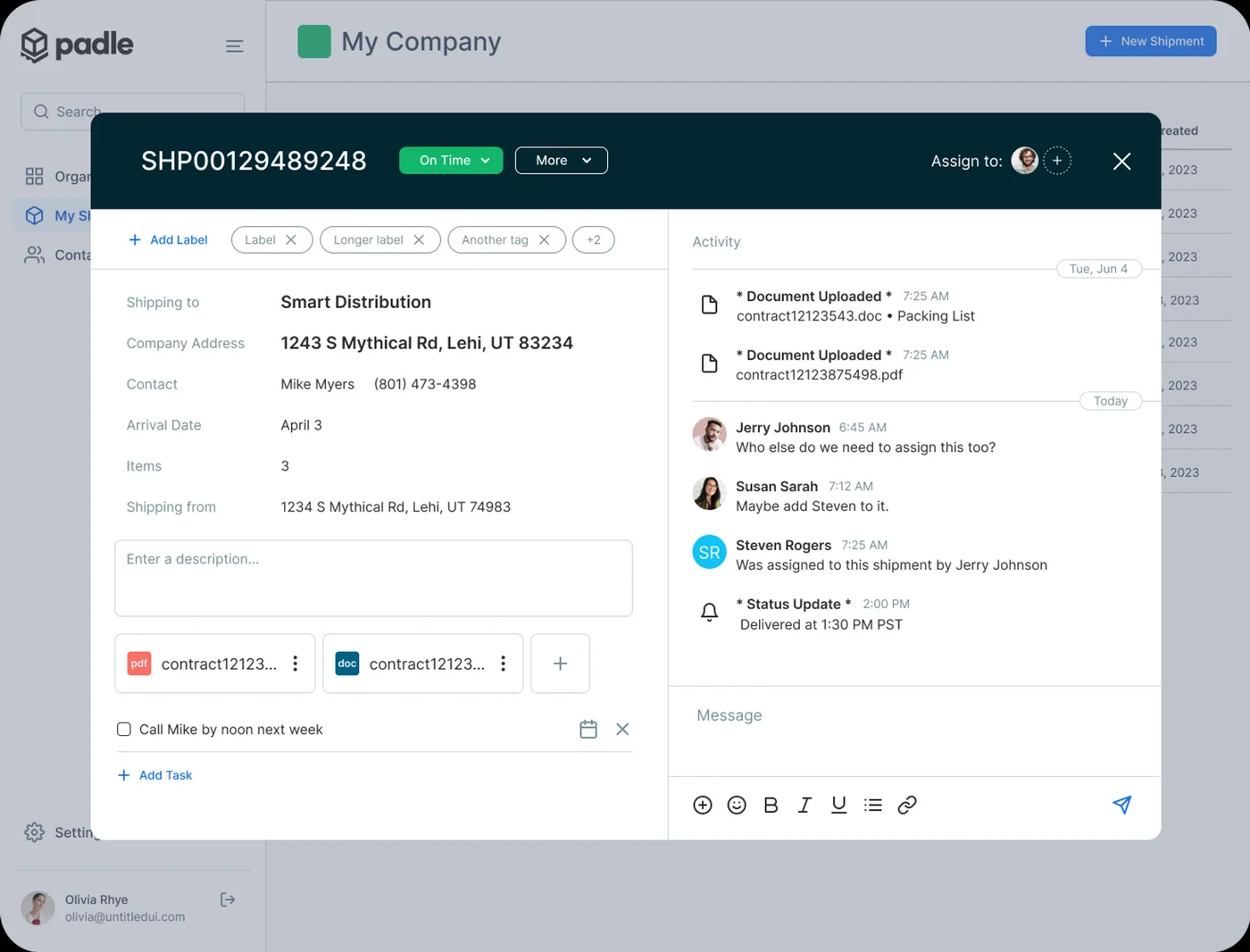
Booking in Padle happens straight from the quote you picked. Padle sends the booking to the carrier, schedules the pickup, records the carrier's PRO number and generates the bill of lading (BOL), which you can download or share with the shipper's dock by link.
What you get
Book from the quote. Pickup scheduled, BOL generated.
No retyping
Everything entered for the quote carries into the booking — addresses, contacts, handling units and references.
Automatic BOL
A bill of lading is generated for every booking and can be shared by link with whoever is loading the truck.
Pickup scheduling
Pickup windows are sent to the carrier with the booking, adjusted for the origin's timezone.
PRO numbers captured
The carrier's PRO number is stored on the shipment for tracking and billing.
Documents in one place
BOLs, delivery receipts and any other paperwork are attached to the shipment, not scattered across inboxes.
Cancel or change
Cancel a booking or revert a step from the shipment's own timeline.
Does Padle create the bill of lading?
Yes. Padle generates a bill of lading for each booked shipment, and the BOL can be downloaded or shared by link.
What is a PRO number?
A PRO (progressive) number is the tracking number an LTL carrier assigns to a shipment. Padle records it on the shipment once the carrier confirms the booking.
Related features
Stop quoting freight by phone.
Tell us what you ship and we'll set you up and walk through your first shipment with you.