
Track every freight shipment in one dashboard
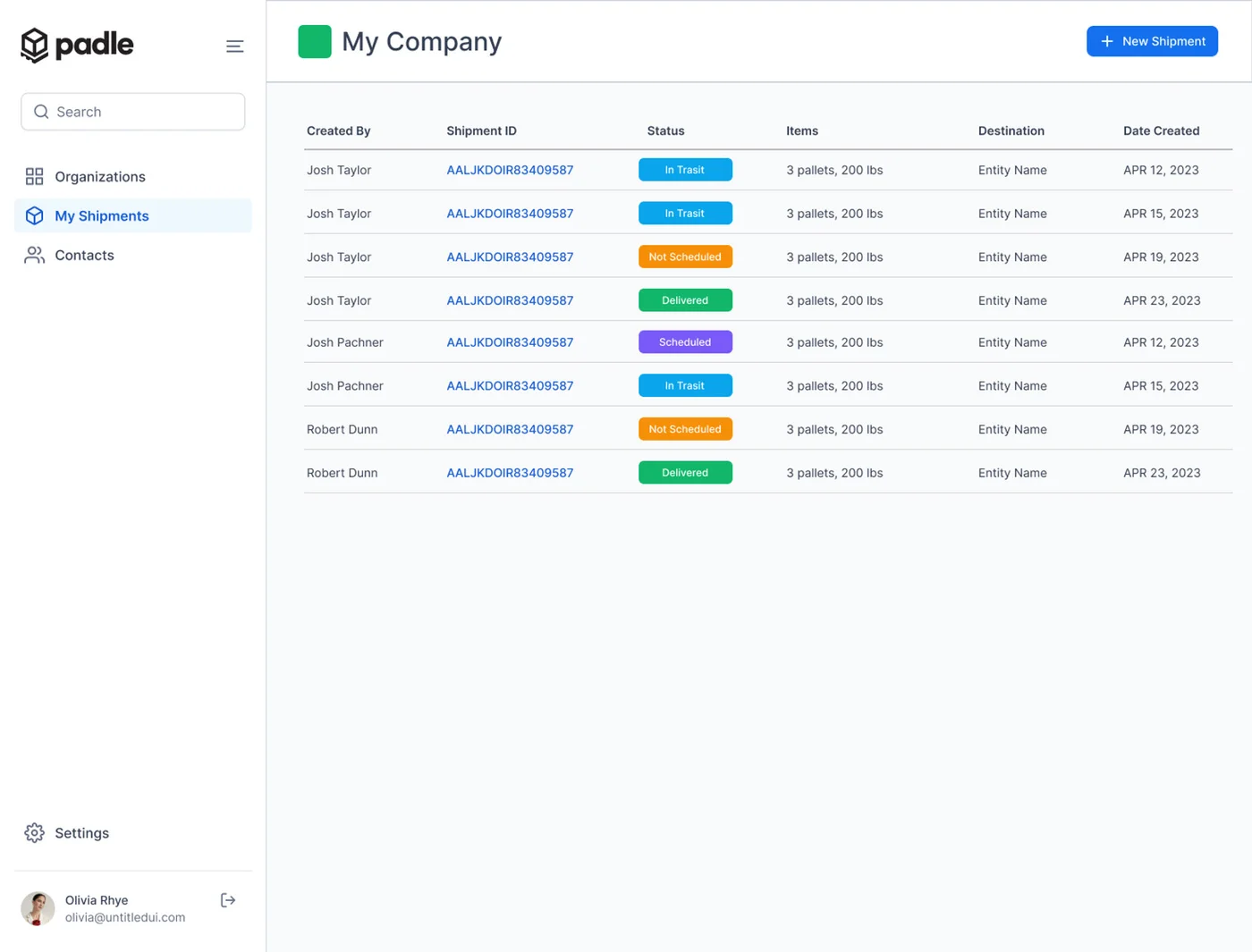
Padle keeps every open shipment in one dashboard with its carrier, status, PRO number, documents and a full activity log. Tracking updates from carriers are pulled onto the shipment automatically, and your team gets notified when something changes, so nobody has to call a terminal to find out where freight is.
What you get
Every shipment, its status and its paperwork, in one list.
One shipment list
Search and filter all shipments by status, carrier, lane or reference number.
Carrier tracking pulled in
Status updates come from carrier tracking feeds and land on the shipment's timeline.
Activity log
Every quote, booking, pickup, update and document is recorded with who did it and when.
Notifications
Your team hears about status changes without refreshing a carrier website.
Shared with your team
Organizations, roles and permissions let everyone see the shipments they're responsible for.
Can I track shipments from different carriers in one place?
Yes. Padle shows every shipment, whatever the carrier, in a single dashboard, and pulls carrier tracking updates onto each shipment's timeline.
Can my whole team see shipments?
Yes. Padle supports organizations with multiple users, roles and permissions, so teams share one shipment list.
Related features
Stop quoting freight by phone.
Tell us what you ship and we'll set you up and walk through your first shipment with you.